Everything you can do on eCitizen — from business registration to passport applications — and how to get started in under five minutes.
eCitizen is Kenya's unified government services portal at ecitizen.go.ke. Launched in 2014 and continuously expanded, it now hosts hundreds of services from more than 60 government agencies. If you've been to a Huduma Centre recently, most of what happens there now has an online equivalent.
Creating an account takes under five minutes. Visit ecitizen.go.ke, click Sign Up, and enter your national ID number, name, date of birth, and a phone number registered to your national ID. The system verifies your identity against the national register. Once confirmed, you set a password and you're in.
You'll need your Safaricom, Airtel, or Telkom number for M-Pesa payments — most government fees are paid directly through the portal.
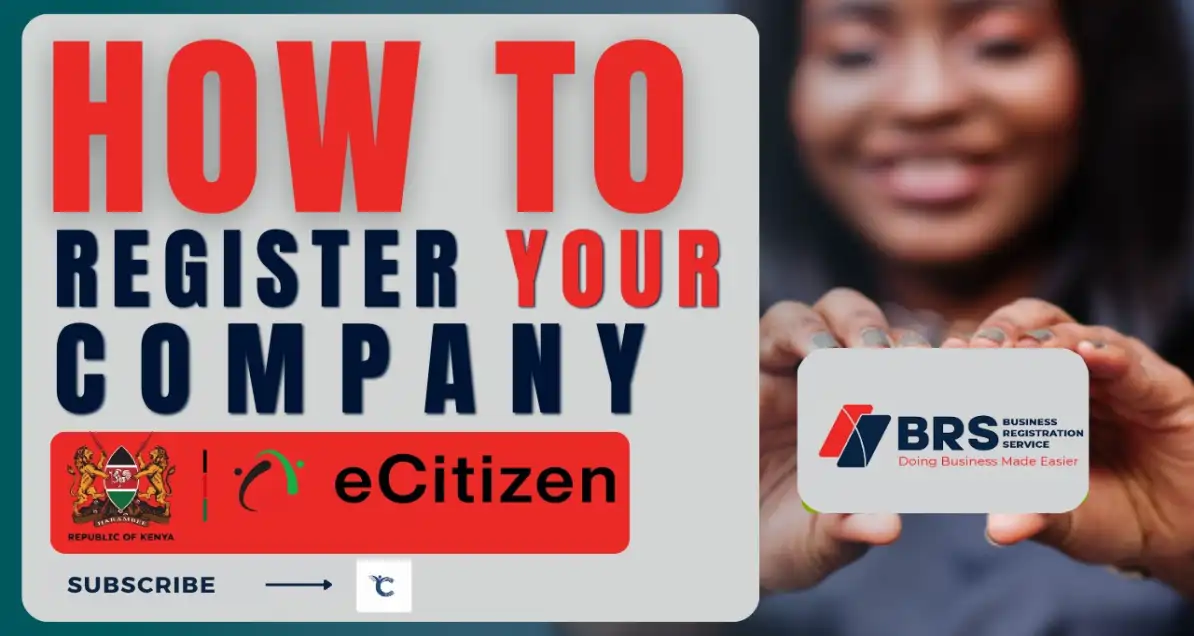
Business services: Register a business name or limited company through the Business Registration Service (BRS). Search whether a name is available, reserve it, and complete full registration online. Annual returns for companies are also filed here.
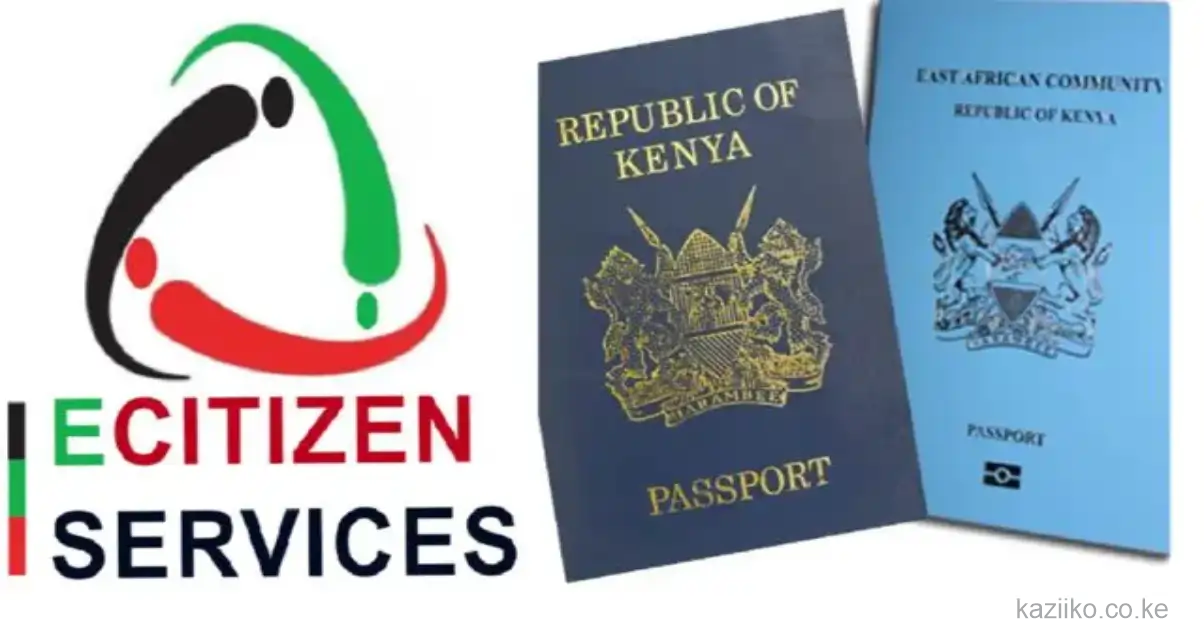
Immigration: Apply for a new Kenyan passport, renew an existing one, or check application status. East African Community passports (the maroon booklet) are also applied for here.
Transport: Access NTSA services — apply for a driving licence, renew an expired one, transfer vehicle ownership, and check vehicle details.
Tax: Access the KRA iTax portal via eCitizen for PIN registration, filing tax returns, and downloading a Tax Compliance Certificate.
Health: Register for the Social Health Authority (SHA), Kenya's mandatory health insurance. Employers can also register employees and manage contributions.
Education: Apply for HELB loans, request KCSE certificates, and verify academic documents.
Land: Search for land rates, request official search documents, and access the Ardhisasa land information system.
Payments on eCitizen go through M-Pesa (most common), debit and credit cards, or bank transfers depending on the service. Keep your M-Pesa PIN ready — the portal initiates an STK push for mobile payments.
Use Chrome or Firefox on desktop for the most reliable experience. If a service shows as unavailable, check the eCitizen Twitter/X account — the portal occasionally goes offline for maintenance. Keep PDF copies of any certificates or receipts immediately after downloading; they may not always be re-downloadable.
If you're a business owner building digital workflows around eCitizen integrations, Mycrea builds those connections — from automated business registration to certificate verification APIs.
Related services
Tell us about your project. We'll show you what's possible.